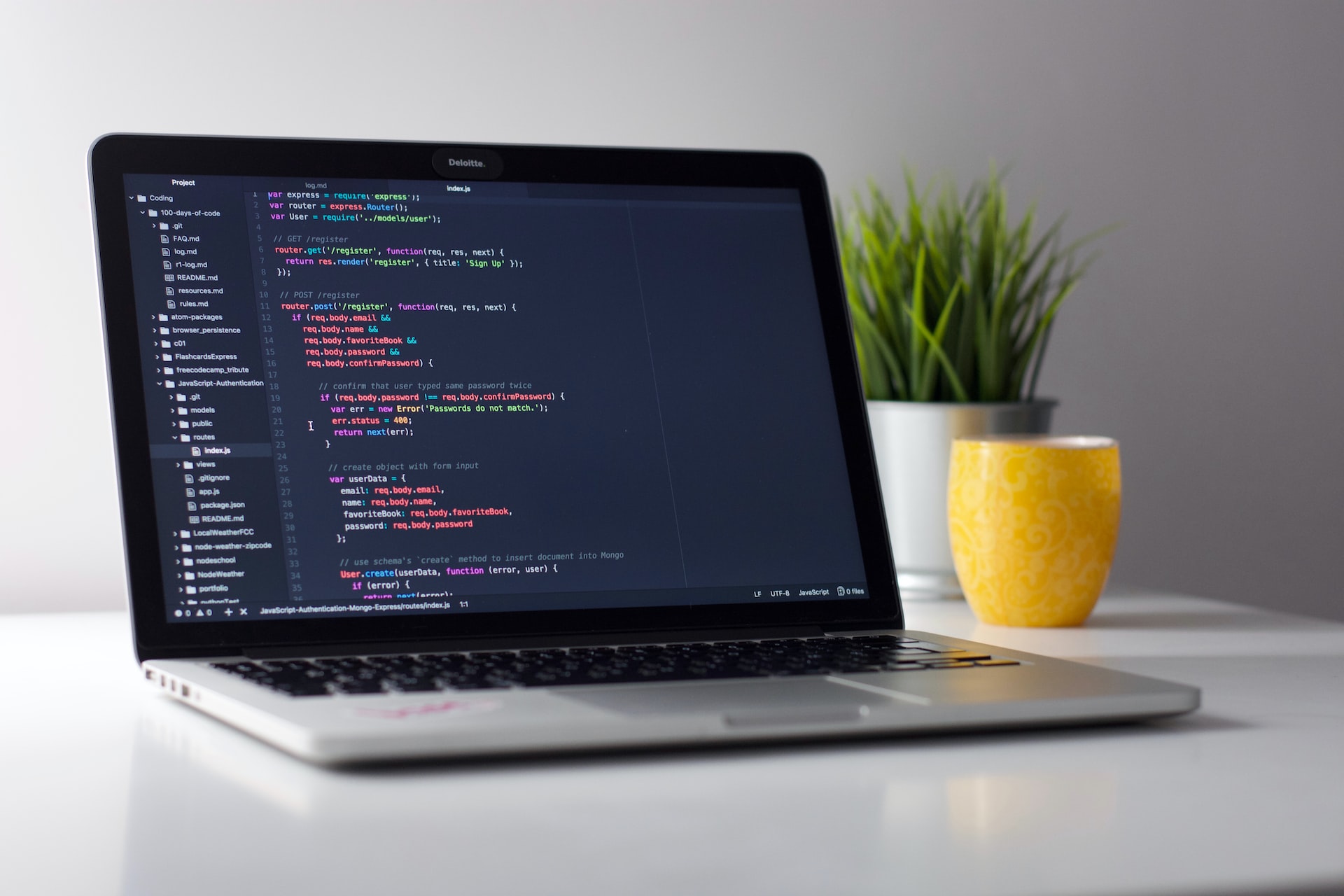
What is python? Python is an interpreted high-level programming language, which is rapidly growing nowadays. It has only fewer steps when compared to Java and C. It was founded in 1991 by developer Guido Van Rossum. Many Students and Developers are looking forward to learn Python language first because of its high demand in the field and the market.
Read MoreAuthor: Ujjwal Singh Rathore
What is ChatGPT?
ChatGPT is OpenAI’s chat product. You type a message, and it writes a reply in ordinary language. It can continue that same conversation, answer a follow-up, and draft things such as an explanation, a list, or a short piece of writing. It is not a search box People compared the first public version with Google because both answer a question you type. They do different jobs. A search box points you to pages. ChatGPT writes a reply of its own. That reply can sound confident and still be wrong, including…
Read MoreFuture technologies, without the forecasts
These are names of technologies that have been discussed in public. A name is not a forecast, and a company description is not proof of a result. Deep learning models A deep learning model is trained on data through a neural network with several layers. Some of these models are used to generate text or images. The output still has to be checked. ChatGPT ChatGPT is OpenAI’s chat product. It writes a reply from a prompt. It does not look up a guaranteed answer the way a library does. ChatGPT…
Read MoreEthical Hacker Kaise Bane: Authorized Cybersecurity Learning Path
कानूनी labs, defensive skills और responsible disclosure के साथ cybersecurity सीखने का practical roadmap।
Read MoreCommon terms Android users ask about
These are short meanings of words Android users often see. They describe the phone. They are not steps for unlocking, flashing, or repairing it. Bootloader The bootloader is the program that starts Android when the phone turns on. Phone makers lock it so only their own system can start. Unlocking that lock can erase the phone and can affect the warranty. Use only the instructions published by the phone maker. Kernel The kernel is the core of the operating system. It sits between apps and the hardware and handles memory,…
Read MoreSocial Engineering
Phishing Attack A phishing attack is a computer-based social engineering, where an attacker crafts an email that appears legitimate. Such emails have the same look and feel as those received from the original site, but they might contain links to fake websites. If you are not smart enough, then you will type your user ID and password and will try to login which will result in failure and by that time, the attacker will have your ID and password to attack your original account. Quick Fix You should enforce a…
Read Moreभारत की मोबाइल कंपनी
भारत की मोबाइल कंपनी भारत सबसे तेजी से बढ़ते स्मार्टफोन बाजार में से एक है और दुनिया में दूसरा सबसे अधिक आबादी वाला देश है। Indian Mobile Company के बारे में जानने से पहले आपको बताते है की स्मार्टफोन हमारे जीवन का हिस्सा बन गया है। कई मोबाइल की कंपनी दुनिया भर में आ गयी है। दूसरी बात बिना मोबाइल के कोई भी काम करना असम्भ सा हो गए हाँ फिर चाहे वो कॉल करना हो या रोज-रोज के काम काज हो। इसलिए 2021 में सेलफ़ोन की कई कंपनी हो…
Read MoreGmail में ऑटो रिप्लाई कैसे लगाएं (2026)
Updated: 26 September 2026. यह Gmail का Vacation responder है। बटन का नाम स्क्रीन पर थोड़ा अलग दिख सकता है। कंप्यूटर पर ऑटो रिप्लाई चालू करें कंप्यूटर पर Gmail खोलें। ऊपर दाईं ओर Settings खोलें, फिर See all settings। General टैब में Vacation responder तक स्क्रॉल करें। Vacation responder on चुनें। शुरुआत और आखिरी तारीख, विषय और संदेश लिखें। सिर्फ अपनी कॉन्टैक्ट्स को जवाब भेजना हो तो संदेश के नीचे वाला बॉक्स चुनें। पेज के नीचे Save Changes दबाएं। यह कैसे चलता है जवाब शुरुआत की तारीख को आधी रात…
Read Moreलैपटॉप हार्ड डिस्क में पार्टिशन कैसे करें (Windows 10 और 11)
Updated: 26 September 2026. पार्टिशन अपने कंप्यूटर की डिस्क पर बनता है। गलत ड्राइव मिटाने से विंडोज और फाइलें चली जाती हैं। शुरू करने से पहले जरूरी फाइलों का बैकअप ले लें। Windows 10 और 11 में नया पार्टिशन स्टार्ट बटन पर राइट-क्लिक करें और Disk Management खोलें। सर्च में “Create and format hard disk partitions” भी चलता है। जिस वॉल्यूम में जगह खाली करनी है, उस पर राइट-क्लिक करके Shrink Volume चुनें। यह NTFS वॉल्यूम पर चलता है। विंडोज जितनी जगह दे, उतनी ही सिकुड़ेगी। खाली हुए Unallocated हिस्से…
Read Moreब्राउज़र हिस्ट्री कैसे डिलीट करें
Updated: 26 September 2026. Internet Explorer के कदम हटा दिए गए हैं। वह ब्राउज़र अब नहीं चलता। यह आपके अपने ब्राउज़र की हिस्ट्री है। Chrome Chrome खोलें। ऊपर दाईं ओर तीन बिंदु, फिर Delete browsing data। समय सीमा चुनें। Browsing history चुनें। कुकीज़ और कैश तभी चुनें जब साइटों से दोबारा साइन इन करना मंजूर हो। Delete data दबाएं। Chrome की मदद: Delete browsing data। Microsoft Edge Edge में Settings खोलें। Privacy, search, and services में Clear browsing data चुनें। समय सीमा और Browsing history चुनकर साफ करें। Firefox मेनू…
Read More